
A full day at a theme park often includes long outdoor lines, extended walks, crowded areas, and limited shade. Even when some attractions and restaurants are air-conditioned, much of the visit may still take place outside.
A Mini Fan is worth bringing when the forecast is hot, and your itinerary includes several hours of outdoor activity. It provides personal airflow while you wait, walk, or rest without taking up much space in your day bag.
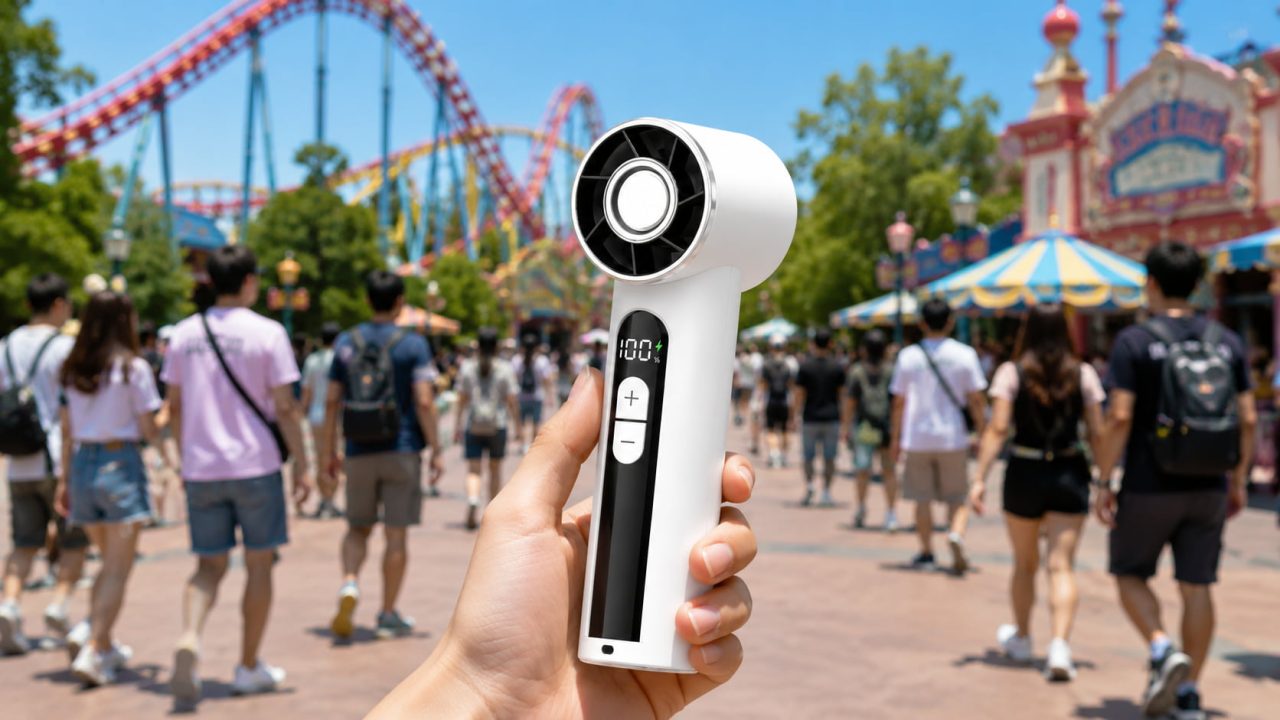
The WindBillion Mini Fan SD03 includes five speed settings, an LED display for checking the selected speed and remaining power, and convenient USB-C charging. These features make it easier to adjust the fan as the temperature and surroundings change throughout the day.
A Theme Park Day Often Feels Hotter Than Expected
A short walk outside may feel manageable, but a theme park visit can continue from morning until evening. Heat becomes more noticeable after repeated walks across paved areas and long periods spent standing in outdoor queues.
Crowds can also reduce natural airflow. Even a covered line may feel stuffy when visitors are standing close together and moving slowly.
Indoor attractions may provide temporary relief, but you will usually return to the heat when walking to the next ride, restaurant, or performance. Carrying your own fan gives you more control during those outdoor parts of the visit.
When Is a Mini Fan Most Useful at a Theme Park?
The fan does not need to operate continuously from the park entrance until closing time. It is most useful when you are standing still, recovering from a long walk, or resting in an outdoor area.
While Waiting in Outdoor Lines
A slow-moving outdoor queue is one of the best places to use a personal fan. Because you are standing in nearly the same position, focused airflow can feel more noticeable than it does while walking.
Hold the fan near your upper chest, neck, or face. Keeping it close allows the airflow to reach you without sending a strong breeze toward the visitors standing nearby.
After Walking Between Attractions
Large parks may require long walks between popular attractions. After reaching the next queue or rest area, the fan can help you feel more comfortable while your group checks wait times or decides where to go next.
This is also a practical time to pause, drink water, and look for shade rather than immediately joining another exposed line.
During Meal or Rest Breaks
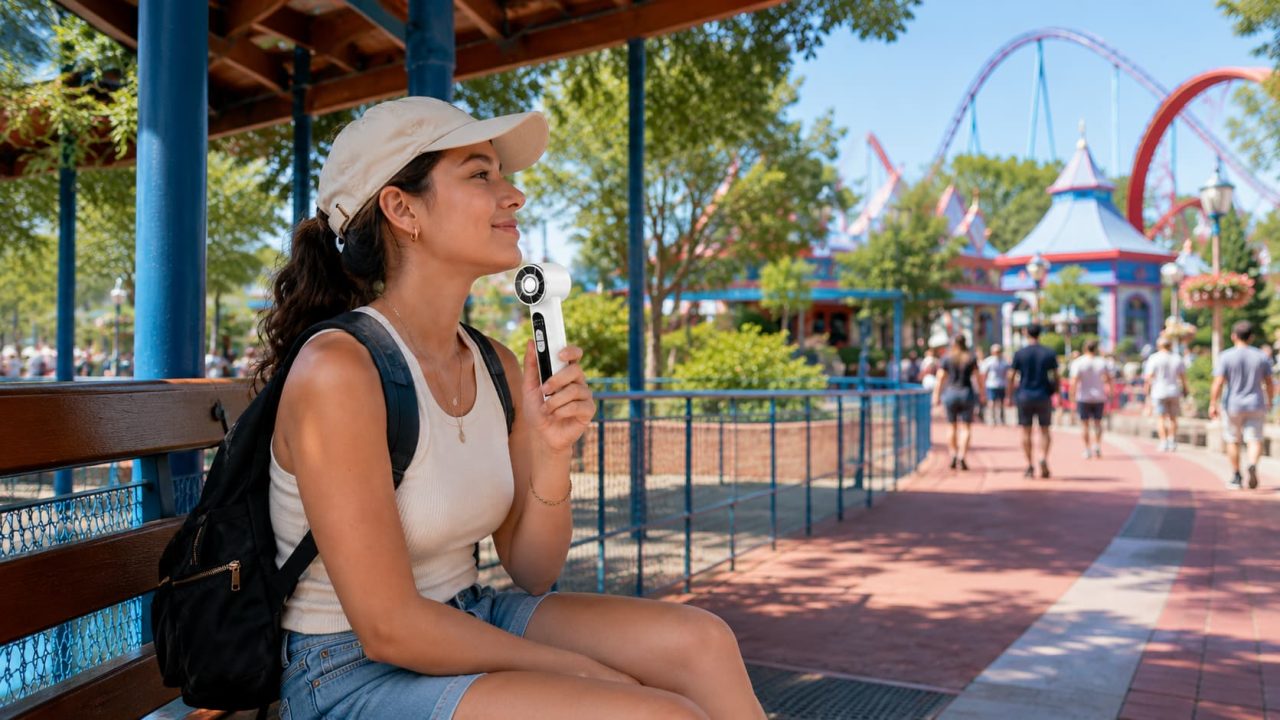
A shaded bench or outdoor dining area gives you an opportunity to sit down and use the fan without carrying it while walking.
Angle it toward your upper body instead of placing it in the middle of the table. This prevents the airflow from moving napkins, wrappers, maps, receipts, or lightweight food containers.
How Should You Use a High Speed Windmini Fan Throughout the Day?
The right way to use the fan changes as you move between open walkways, crowded queues, shops, restaurants, and indoor attractions. Adjust it according to the space around you, the temperature, and the remaining battery power.
Which Fan Speed Should You Use in Different Park Areas?
A stronger setting is useful when you have just completed a long walk or are waiting in direct sunlight. Once you move into a covered area or begin to feel more comfortable, switch to a gentler setting.
Lower speeds are usually more suitable in restaurants, shops, indoor queues, and tightly packed outdoor lines. They provide personal airflow without creating an unnecessary breeze around other visitors.
The five adjustable settings on the High Speed Windmini Fan allow you to choose an appropriate level instead of relying on maximum airflow in every situation.
How Can You Avoid Disturbing Other Guests?
Keep the fan close to your body and point it toward yourself. Avoid holding it sideways through a queue or directing the airflow toward the people standing in front of you.
Reduce the speed when another guest’s hair, clothing, hat, map, or food begins to move. In especially crowded spaces, turning the fan off for a few minutes may be more considerate than trying to find a suitable angle.
It is also sensible to lower or stop the fan while speaking with staff, taking group photographs, or watching an outdoor performance. A personal cooling device should improve your comfort without becoming noticeable to everyone around you.
How Can the LED Display Help Manage Battery Life?
Check the display before leaving home so you know the fan is charged and ready. Look at it again around lunchtime to see how much power remains for the warmer afternoon.
Use air-conditioned attractions, indoor restaurants, and shaded breaks as opportunities to switch the fan off. When the remaining power is lower than expected, choose a gentler setting in covered areas.
USB-C charging also makes it possible to connect the fan to a compatible power bank during a longer seated break. Keep the cable close to your bag or table, disconnect it before walking, and never leave it stretched across a public pathway.
When Should You Put the Portable Mini Turbo Fan Away?
Switch the fan off and place it securely inside a closed bag before boarding an attraction. Do not hold it during a fast ride or leave it loose in an open pocket where it could fall.
Loose-item policies differ between parks and attractions, so always follow instructions from staff. Some rides may require personal devices to be stored in a bag, locker, or designated compartment.
Putting the fan away during shows and group photographs also prevents it from blocking another visitor’s view or distracting from the experience.
A Portable Mini Turbo Fan is easy to carry between different parts of the park, but it should still be stored securely when you enter dense crowds, board transportation, or need both hands free.
Can a Mini Fan Replace Water, Shade, and Rest Breaks?
No. A fan can move air across your skin and improve personal comfort, but it cannot replace hydration, shade, air conditioning, or regular breaks.
Before a long outdoor visit, follow basic hot-weather safety guidance. Drink water regularly, spend time in cooler areas, and pay attention to symptoms such as dizziness, headache, nausea, weakness, muscle cramps, or unusual fatigue.
Leave the queue and move to a cooler location when you or someone in your group begins to feel unwell. Ask park staff or medical personnel for help rather than trying to continue the itinerary.
A Windmini Fan Is Most Useful on Long, Hot Park Days
A personal fan is most useful for visitors planning to spend much of the day outdoors, especially when the itinerary includes long walks across the park and slow-moving queues.
It can also help people who prefer direct control over their airflow instead of relying only on shaded seating, ceiling fans, or cooling stations.
Visitors attending during cooler weather, staying for only a few hours, or choosing mostly indoor attractions may use it less frequently. Its value depends on the forecast and how much of the visit will be spent outdoors.
A Mini Fan Is Worth Bringing for a Long, Hot Theme Park Day
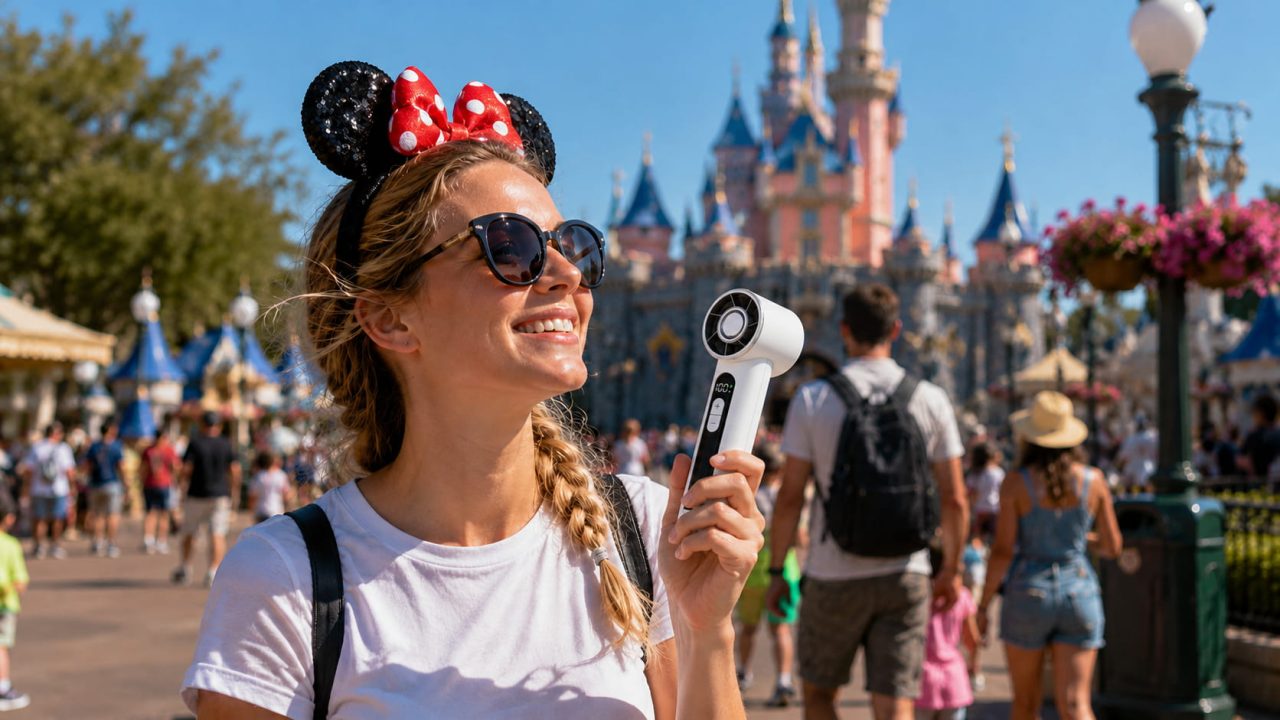
A Mini Fan is worth bringing when your visit includes outdoor queues, long walks, and hot afternoon weather.
Use it when personal airflow provides a clear benefit, adjust the speed to suit the space around you, and monitor the LED display as the day continues. Store it securely before boarding attractions and avoid directing the airflow toward other guests.
Combined with water, shade, and regular cooling breaks, the WindBillion Mini Fan SD03 can make a long theme park visit more comfortable without becoming inconvenient to carry or use.