
Dust can build up on a desk fan even when the fan still looks clean from the outside. Over time, lint and fine particles may collect around the grille, air intake, outlet, and other exposed surfaces.
If you are wondering how to clean a desk fan, the safest approach is usually simple: disconnect the power, remove loose dust first, wipe only accessible surfaces, and keep moisture away from electrical parts.
You do not need to take the whole fan apart for routine cleaning. In fact, forcing open a housing that is not designed for user removal can create more problems than the dust itself.
Why Does a Desk Fan Need Regular Cleaning?
A fan constantly pulls air through its intake. That air can carry household dust, hair, fabric fibres, and other small particles.
Some of this material settles around the grille and ventilation openings. As the buildup becomes heavier, the airflow path may become less clear.
A dusty fan may also look older than it really is. Cleaning the exposed airflow areas can help keep the fan easier to inspect and more pleasant to use.
Dust is especially noticeable on fans used near open windows, beds, carpets, pets, or busy workspaces.
What Should You Prepare Before Cleaning?
Routine cleaning does not require complicated equipment.
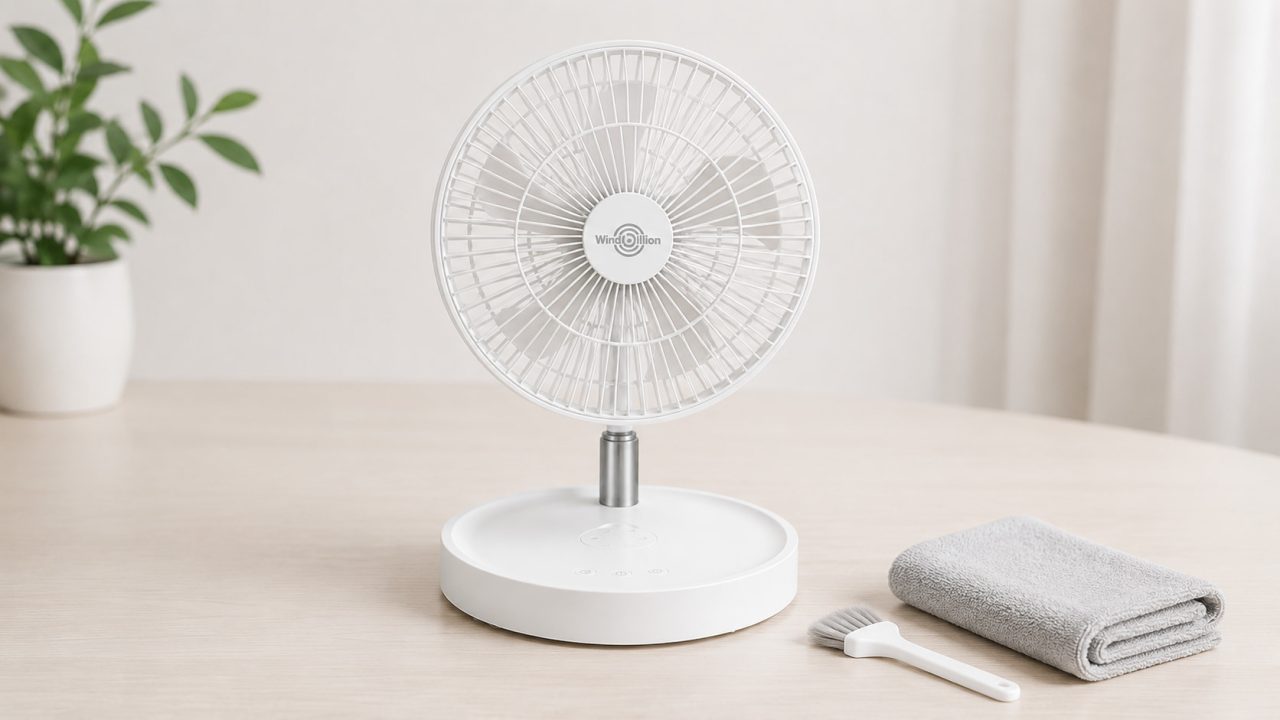
Useful items include:
- A soft, dry microfiber cloth
- A small soft-bristle brush
- Cotton swabs for narrow accessible areas
- A slightly damp cloth for the outer housing
- A dry towel for the final wipe
Avoid beginning with sprays or a soaking-wet cloth. The goal is to lift dust away without pushing moisture into the motor, controls, battery area, or charging port.
How to Clean a Desk Fan Step by Step?
The exact construction varies between models, so always follow the product manual when it provides specific cleaning instructions. For general maintenance, these steps keep the process simple.
Turn the Fan Off and Disconnect Power
Switch the fan off before touching the grille or vents.
For a corded model, unplug it from the outlet. For a rechargeable model, disconnect the charging cable and make sure the fan is not operating.
Do not clean around moving blades or an active motor.
Remove Loose Dust From the Grille
Start with dry cleaning.
Use a soft brush or microfiber cloth to loosen visible dust from the front and rear grille. Work gently so the dust moves outward rather than being pushed deeper into the housing.
Pay extra attention to corners, narrow slots, and areas where lint tends to collect.
Clean the Air Intake and Outlet
The intake and outlet need open space for air to move freely.
Brush away dust around these openings. A cotton swab can help with narrow external gaps, but do not force it deep into the fan.
If the fan seems weaker than before, check these areas before assuming that the motor or battery is the problem.
Wipe Accessible Surfaces
Use a dry cloth for most of the housing.
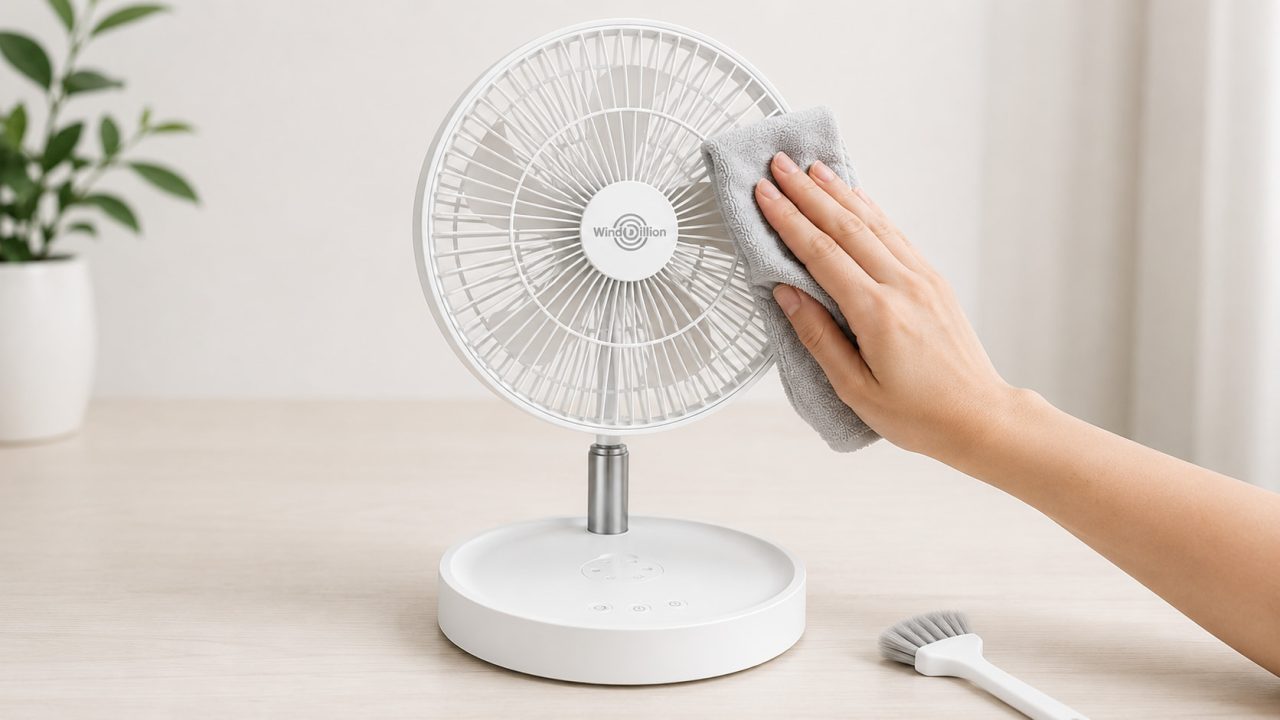
For fingerprints or light dirt, a slightly damp cloth may be enough. The cloth should not be wet enough to drip.
Do not pour water onto the fan or spray cleaning liquid directly onto the housing.
Let the Fan Dry Completely
If any damp cleaning was used, allow the fan to dry fully before reconnecting power.
Check the controls, seams, ventilation openings, and charging area. They should all be dry before the fan is turned back on.
Can a Dusty Fan Blow Less Air?
Dust does not always mean the fan is failing.
When debris collects around the intake, outlet, or grille, it can interfere with the path that air needs to follow. The user may then increase the speed because the airflow feels weaker.
Before assuming the fan has lost performance, inspect the exposed airflow areas and clean away visible buildup.
Placement matters too. A clean fan can still feel weak if papers, curtains, bedding, or other objects block the intake.
If airflow remains unusually weak after cleaning and correct placement, stop using the fan if you notice abnormal noise, smell, vibration, or heat.
How to Clean a Portable Fan With a Rechargeable Battery?
Learning how to clean a portable fan requires extra attention around the charging port and battery-powered components.
For example, a Rechargeable Desk Fan such as the WindBillion H6 should be disconnected from its charging cable before cleaning. Keep water away from the charging port, buttons, seams, and other electrical openings.
Routine cleaning should focus on accessible areas such as the grille, ventilation openings, and outer housing. Do not force open a sealed battery compartment or other parts that are not designed for regular user removal simply to reach hidden dust.
If you use a slightly damp cloth on the exterior, make sure the charging port and nearby openings remain dry. Wait until the fan is completely dry before reconnecting the charger or turning it back on.
If a rechargeable fan becomes soaked, shows unusual heat, swelling, or visible battery damage, stop using and charging it. The U.S. Consumer Product Safety Commission provides additional information about high-energy battery safety.
How Often Should You Clean a Desk Fan?
There is no single cleaning schedule that works for every room.
A fan used daily near an open window, pet bed, carpet, or dusty workspace may need attention more often than one used occasionally in a cleaner room.
Instead of relying only on a calendar, look for visible signs:
- Dust collecting on the grille
- Lint around the intake
- Airflow that feels weaker than usual
- Dust being blown from the fan
- Dirt around controls or the base
A quick dry wipe between deeper cleanings can prevent buildup from becoming difficult to remove.
What Should You Avoid When Cleaning a Fan?
Knowing how to clean a desk fan also means knowing what can damage it.
Avoid:
- Cleaning while the fan is running
- Spraying water or cleaner directly into the fan
- Using a dripping-wet cloth
- Pushing tools deep through the grille
- Forcing open covers that are not designed for routine removal
- Allowing water into the charging port
- Reconnecting power while electrical areas are still damp
Do not use strong cleaners unless the manufacturer specifically says they are suitable for the material.
If the grille or blade assembly is designed to be removable, follow the model-specific instructions rather than guessing how the clips, screws, or locking parts work.
Regular Cleaning Helps Keep the Airflow Path Clear
Knowing how to clean a desk fan does not require a complicated maintenance routine.
Start by switching off and disconnecting the fan. Remove loose dust from the grille, intake, and outlet, then wipe the accessible housing carefully. Keep moisture away from electrical areas and allow everything to dry before use.
For rechargeable models such as the WindBillion H6, take extra care around the charging port and battery-powered components. There is usually no reason to force open sealed parts during routine cleaning.
A few minutes of regular cleaning can keep visible buildup under control and make it easier to notice changes in airflow, noise, or condition before they become larger problems.