
A warm dorm room can be uncomfortable, but airflow, sound, lighting, and charging cables may also affect the person sharing the space.
To use a Small Clip-on Fan without disturbing your roommate, keep it close to your own desk or bed, aim the airflow toward your body, and choose a lower speed during sleep, study sessions, or video calls. The fan should cool one occupied area rather than blow across the entire room.
The WindBillion H9 supports clip-on, desktop, and hanging placement. It also has four speed settings and an independent LED night light.
Why Does Fan Placement Matter in a Shared Dorm Room?
Dorm rooms place beds, desks, storage, and personal belongings within a limited area. A fan in the wrong position may blow loose papers, move curtains, shine light toward the other bed, or direct unwanted airflow at your roommate.
Placing it in the center of the room can make airflow harder to control. One person may want stronger cooling while the other feels cold or distracted.
A Small Clip-on Fan works best as a personal cooling device. Keeping it close to the user allows a lower setting to provide useful airflow without affecting the other side of the room.
Where Should You Place a Small Clip-on Fan?
Choose a stable mounting point near the area you are using. Keep the fan clear of walkways, bedding, drinks, and loose cables.
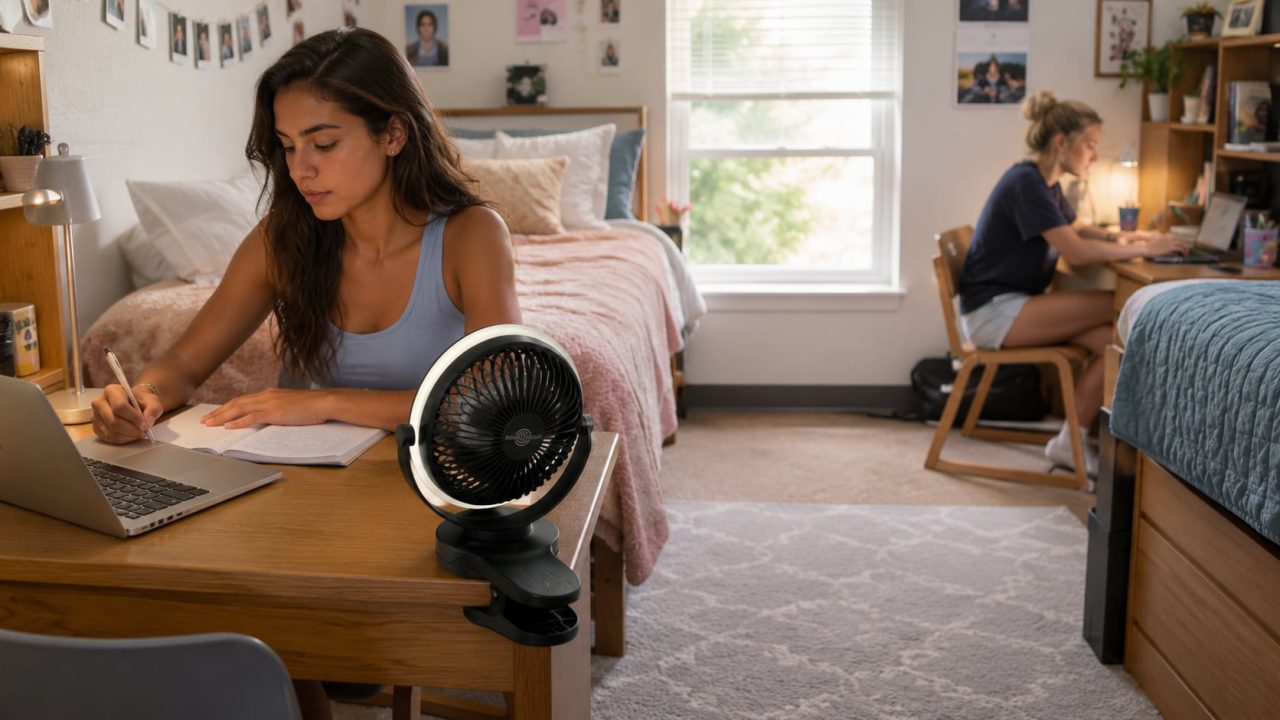
On the Side of Your Study Desk
Clip the fan to the side or rear edge of the desk instead of placing it between your laptop and notebooks. This preserves the main work surface and reduces the chance of hitting the fan while writing.
Angle the airflow toward your upper body rather than the keyboard. When using a Clip-on Fan for Desk, make sure it does not blow papers or lightweight notes toward your roommate’s area.
The H9 clamp fits surfaces approximately 1–4 cm thick. Avoid attaching it to a loose panel, fragile edge, or unstable shelf.
On a Bed Frame or Bedside Shelf
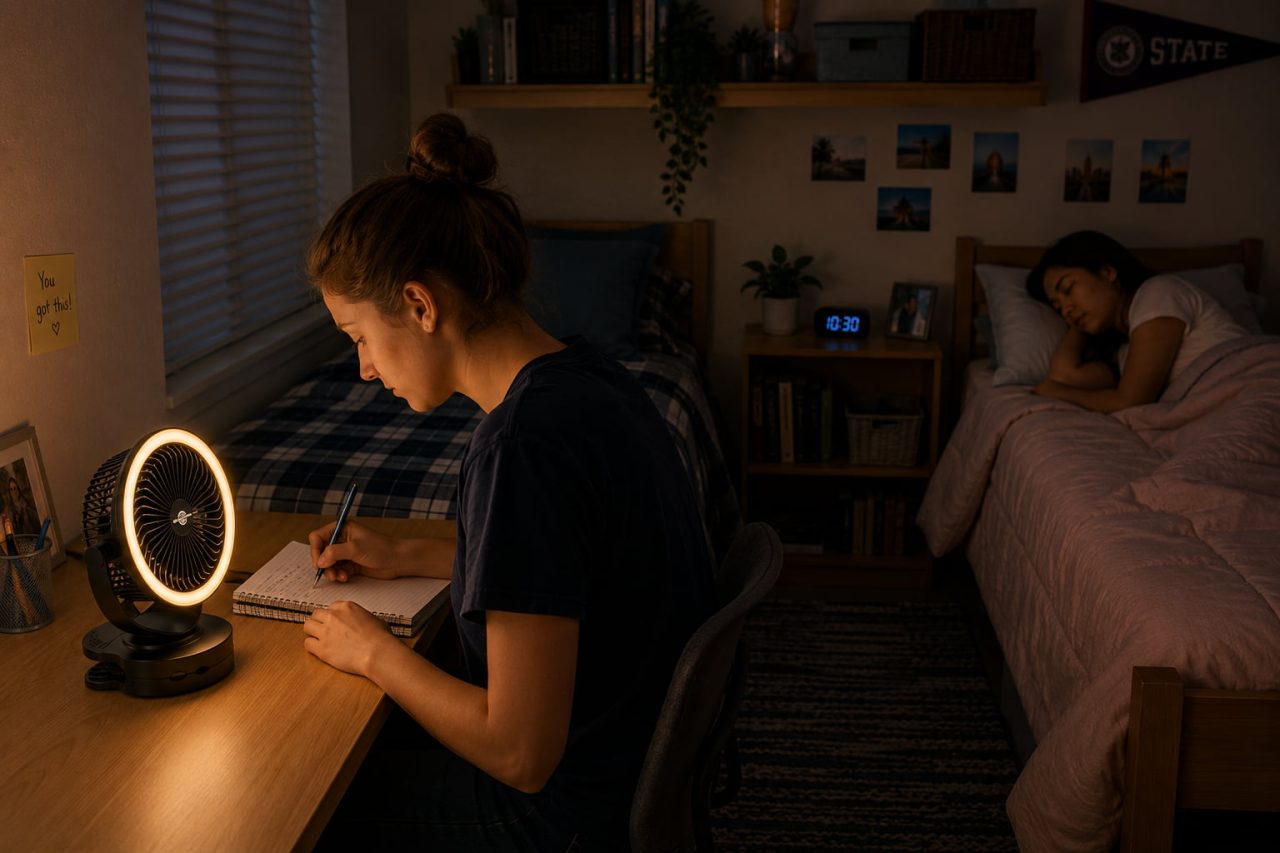
A bed frame or bedside shelf can provide more direct nighttime airflow. Keep the fan outside the sleeping surface so it cannot become covered by blankets or knocked down while you move.
Aim the airflow across your upper body instead of directly at your face. Positioning it closer usually allows you to use a lower speed, which is less noticeable to someone sleeping nearby.
On a Stable Shelf Near Your Area
A shelf can raise the fan above books and direct airflow downward. Do not mount it above your roommate’s bed, laptop, or belongings. Recheck the clamp after changing the fan-head angle.
Which Speed Should You Use Around a Roommate?
The strongest setting is not necessary throughout the day. Adjusting the speed to the activity can improve comfort without making the fan disruptive.
Use the lowest comfortable setting when your roommate is sleeping, and keep the airflow on your side of the room.
During studying or video calls, low or moderate airflow is usually enough. Stronger airflow may move papers or create background noise near a microphone.
A higher setting can help after walking across campus or exercising. Once you cool down, reduce the speed.
Can the LED Light Disturb Your Roommate?
The H9 ring-shaped LED night light can operate independently from the fan. It is useful for finding an item or preparing for bed without switching on the main room light.
Even soft light can be distracting when it shines toward the other bed. Angle it away from your roommate and turn it off once it is no longer needed.
The LED is an ambient night light, not a replacement for a proper study lamp.
How Should You Manage the USB Charging Cable?
Charging cables can become disruptive when they cross a walkway, hang beside a bed, or pass over the center of a desk.
Before connecting chargers or power strips in a dorm room, review basic electrical safety guidance for college students. Avoid overloading outlets, and use charging equipment that is suitable for the device and permitted by your residence hall.
The H9 uses a 5,200mAh rechargeable battery and supports 5V/2A USB charging. Charge the USB Clip-on Fan from a suitable power source, then remove or organize the cable when cordless placement is more convenient.
Route the cable along the back or side of the furniture. Keep it away from drinks, drawers, chair legs, and places where either roommate may leave a bag.
Do not run a loose charging cable between the beds. Charge the fan near a suitable power source and move it afterward when necessary.
When Should You Use Desktop Mode Instead?
Because the H9 supports both clip-on and desktop placement, you can change the setup according to the available furniture.
Desktop mode may be more suitable when furniture edges are too thick, thin, rounded, or fragile for secure clipping. It also works when the fan needs to move frequently between a desk and bedside area.
Clip-on mode is better when the desktop is crowded or when the fan needs to sit closer to your upper body. In either mode, stability and controlled airflow matter most.
What Shared-Room Habits Make Fan Use More Considerate?
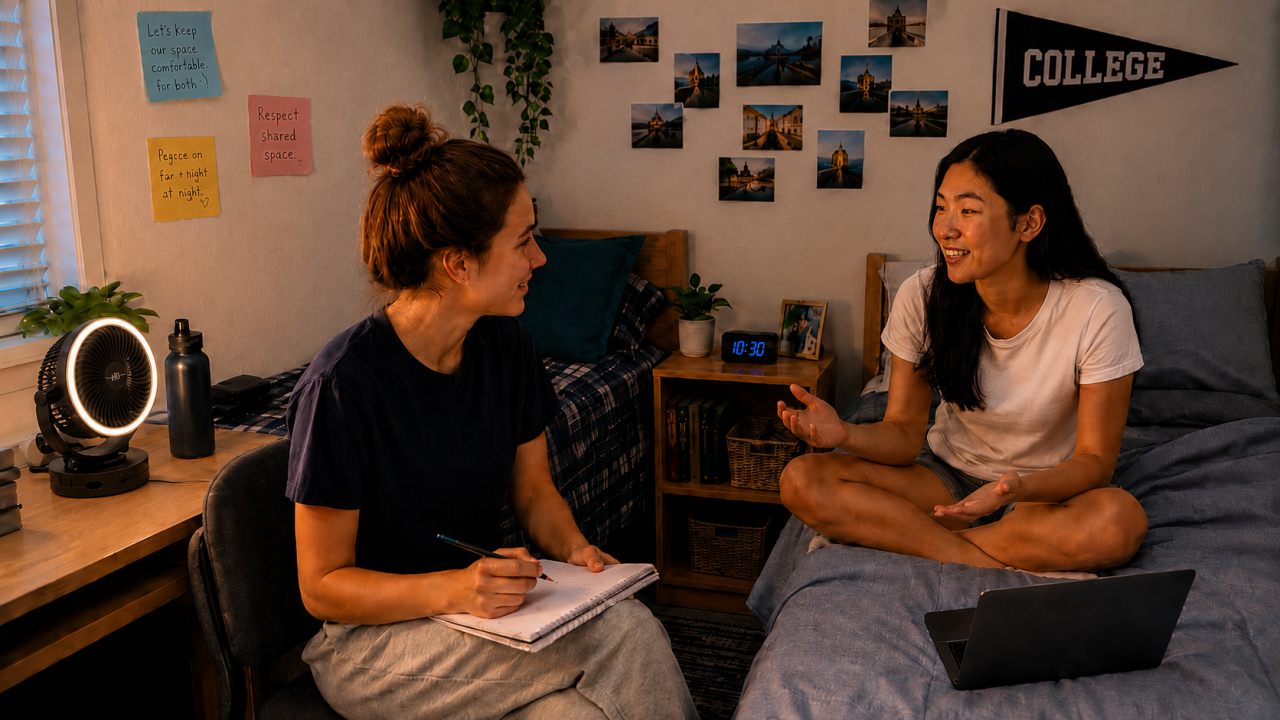
Agree on nighttime fan and LED light use with your roommate in advance. A setting that feels minor to you may still be distracting from the other side of the room.
Turn the fan off when no one is using the area, and ask before attaching it to shared furniture.
A quick conversation about airflow direction, nighttime use, and charging locations can prevent repeated disagreements.
A Clip-on Fan Can Cool Your Space Without Disrupting the Room
A Small Clip-on Fan is suitable for a shared dorm room when it is treated as a personal cooling device rather than a fan for the entire room.
Place it close to your own desk or bed, direct the airflow away from your roommate, and use lower speeds during sleep, study sessions, and calls. Turn off the LED when it is no longer needed and keep the charging cable outside shared walkways.
By switching between clip-on and desktop placement according to the available furniture, the H9 can provide targeted airflow without taking over your roommate’s space or routine.