
A fan that works well on a large desk may be inconvenient beside a bed, on a narrow shelf, or inside a tent. Traditional desk fans need a flat surface, while plug-in models limit placement to areas near an outlet. A Clip-on Battery Fan combines rechargeable power with a compact clamp, allowing users to create personal airflow in spaces where a standard fan may not fit.
Choosing the right Clip-on Fan model requires more than comparing appearance or battery size. Clamp range, runtime, airflow control, noise, charging options, and placement methods all affect daily use. The following points help buyers select a fan for working, sleeping, traveling, or camping.
Match the Clip-on Battery Fan to the Main Use Scenario
The intended location should guide the buying decision. Desk users usually need controlled airflow without losing workspace. Bedside users may prioritize low-speed comfort and stable mounting. Campers need cordless operation and flexible placement when furniture and power outlets are unavailable.
Measure the desk edge, shelf, bed frame, or headboard before ordering. The fan also needs enough clearance to tilt or rotate without touching a wall or nearby object.
Desk and Home Office Use
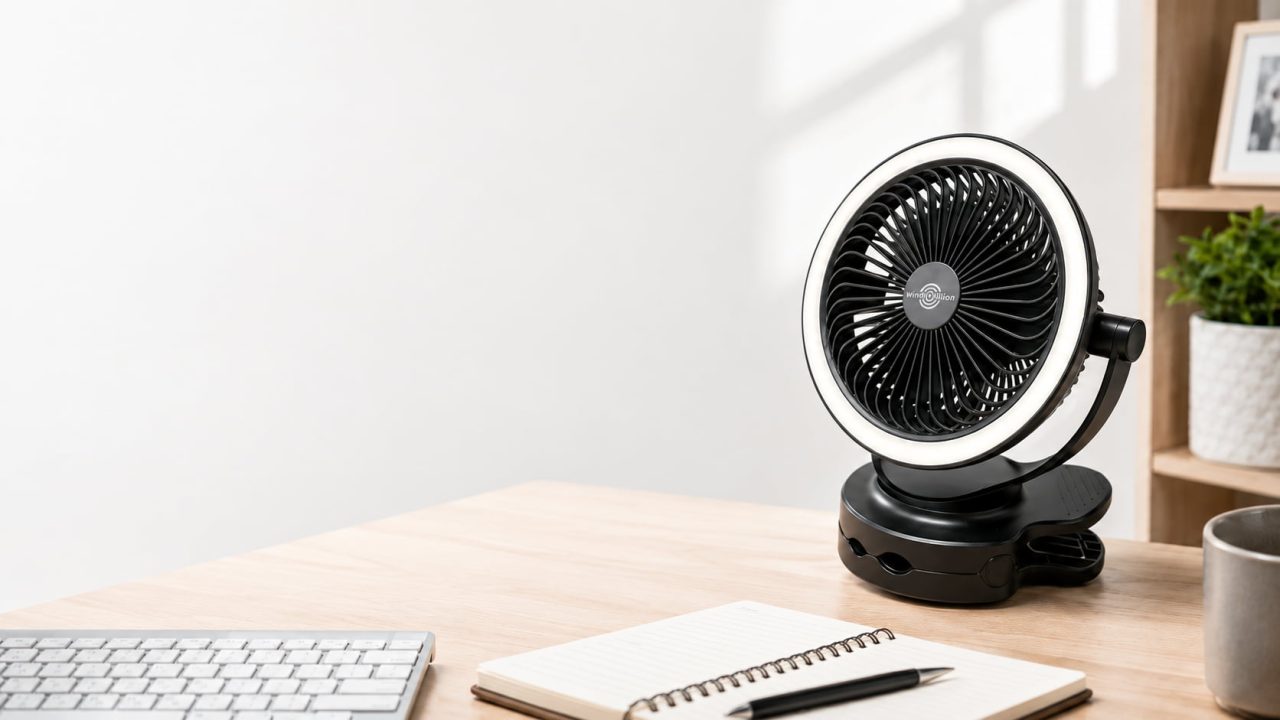
A Clip-on Battery Fan can attach to the edge of a desk or shelf, leaving more room for a keyboard, notebook, phone, and other work items. Several speed settings make it easier to adjust airflow as the room temperature changes.
The fan head should remain in position after adjustment. Correct airflow direction keeps papers from moving and prevents the breeze from blowing directly toward a monitor. A Portable Clip-on Fan is especially useful in a shared office or small home workspace because it cools one person without taking over the desk.
Bedside and Dorm Room Use
Bedside use requires a secure clamp and comfortable airflow at close range. The fan should remain stable on a headboard, bed frame, shelf, or side table without sliding or creating noticeable vibration.
Lower speeds often work better during sleep because strong airflow aimed at the face can become uncomfortable. A Portable Clip-on Fan also helps in dorm rooms where floor and desk space are limited. A built-in night light may add value when it can run independently from the fan.
Camping and Outdoor Use
A camping fan should operate without a fixed outlet and offer more than one placement method. A clamp may work on a table or chair, while a hanging option can position the fan inside a tent.
Battery runtime matters more outdoors because charging access may be limited. A USB Clip on Fan can connect to a compatible power bank, giving users another way to recharge during an overnight trip. The fan should remain away from loose tent fabric, cooking areas, and narrow paths.
Check the Main Performance Specifications
After identifying the main use scenario, compare the features that affect runtime, stability, airflow, and comfort. Battery capacity, clamp range, speed control, and noise performance help determine whether the fan can meet daily use needs.
Compare Battery Capacity with Actual Runtime
Battery capacity provides a useful reference, but it does not show how long a fan will run under every condition. Speed level and extra features can change power consumption. Higher speeds generally use more energy, and an active LED light can reduce the available runtime.
Buyers should read the conditions attached to runtime claims. The WindBillion H9 uses a 3.6V 5200mAh rechargeable battery and has a listed maximum runtime of up to nine hours at the lowest speed with the night light switched off.
A Clip-on Battery Fan may run for less time when used at higher speeds. Testing the fan at the expected setting before a trip gives a more realistic idea of its operating time. A charged power bank can also provide backup power during longer outdoor use.
Measure the Clamp Range Before Ordering
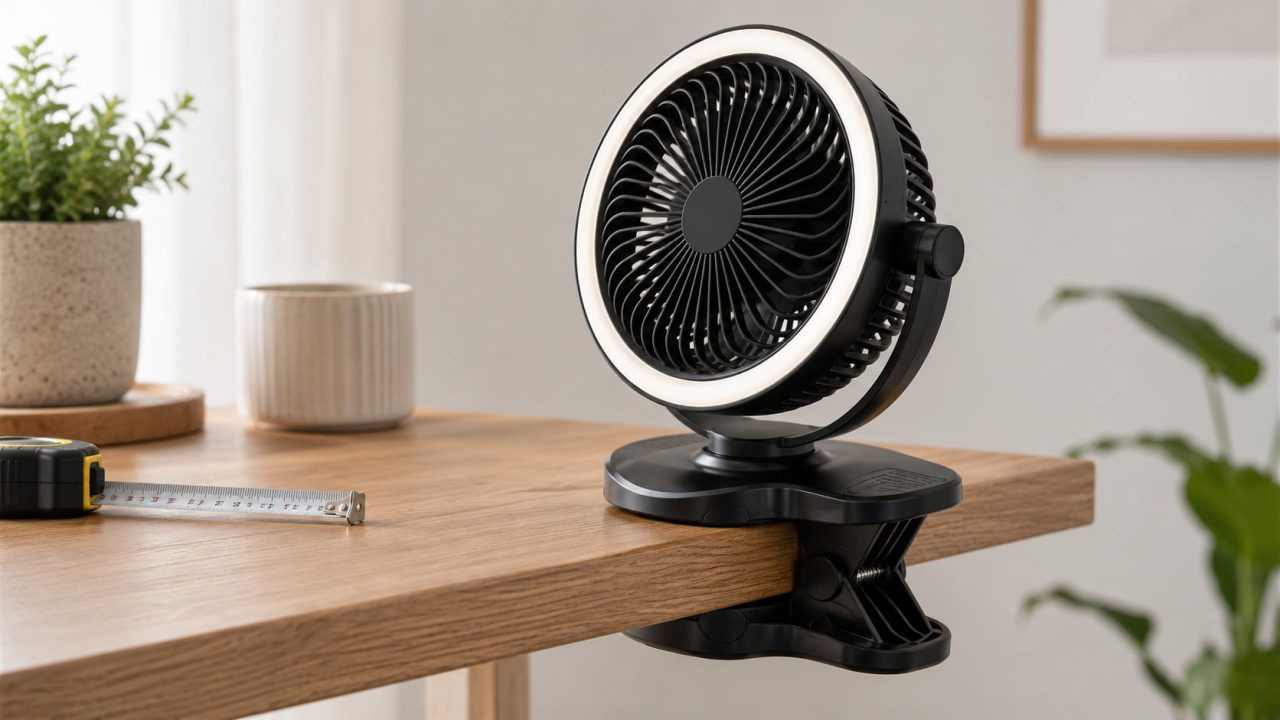
The clamp determines whether the fan remains stable after installation. It must open wide enough for the intended surface while maintaining enough pressure to prevent slipping.
Anti-slip pads can improve grip and protect furniture from scratches. A metal spring may also provide more consistent force than a flexible plastic-only structure. The H9 has a listed clamp range of approximately 1–4 cm and includes a metal spring clip with rubber anti-slip pads.
This range covers many desks, shelves, bed frames, and headboards, but very thin glass, rounded rails, soft fabric, or boards thicker than the stated range may not provide reliable support. Measuring the mounting point is more accurate than estimating it by sight.
Choose a Portable Clip-on Fan with Flexible Placement
A Portable Clip-on Fan becomes more practical when it can work without a suitable edge nearby. Clip on mode saves surface space, desktop mode works on a flat table, and hanging mode can be useful inside a tent or in another elevated position.
The H9 supports clip-on, desktop, and hanging use. These options allow the same fan to move between a bedroom, office, dorm room, and campsite without depending on one type of furniture.
An adjustable fan head also improves placement flexibility. Instead of moving the entire unit, users can redirect the airflow toward a chair, bed, or work area.
Use Speed Control to Improve Comfort
Multiple speed settings provide better control over airflow and battery use. Low speed works well at close range or during sleep. Medium settings suit reading, working, and general indoor use. Higher settings can provide quicker personal cooling when the room becomes warmer.
The Clip-on Fan H9 offers four speed levels. This allows users to adjust the output rather than relying on one fixed airflow setting.
Fan direction matters as much as speed. A moderate breeze aimed correctly may feel more comfortable than stronger airflow pointed in the wrong direction. The fan head should stay in place instead of slowly dropping or rotating during operation.
Check Noise and Vibration in Quiet Spaces
Motor sound, moving air, and vibration through the clamp can become noticeable in a bedroom or home office. A secure installation can reduce rattling, so the clip should sit evenly against the mounting surface and remain stable when the speed changes.
Distance also affects perceived noise. Placing the fan slightly farther away and adjusting the angle may provide comfortable airflow with less noticeable sound.
The product page describes the fan as having a quiet-running design but does not list a specific decibel value. Buyers who require a measured noise limit for sleeping, recording, or professional work should request that information before ordering a Clip-on Battery Fan.
Select a USB Clip on Fan with Convenient Charging
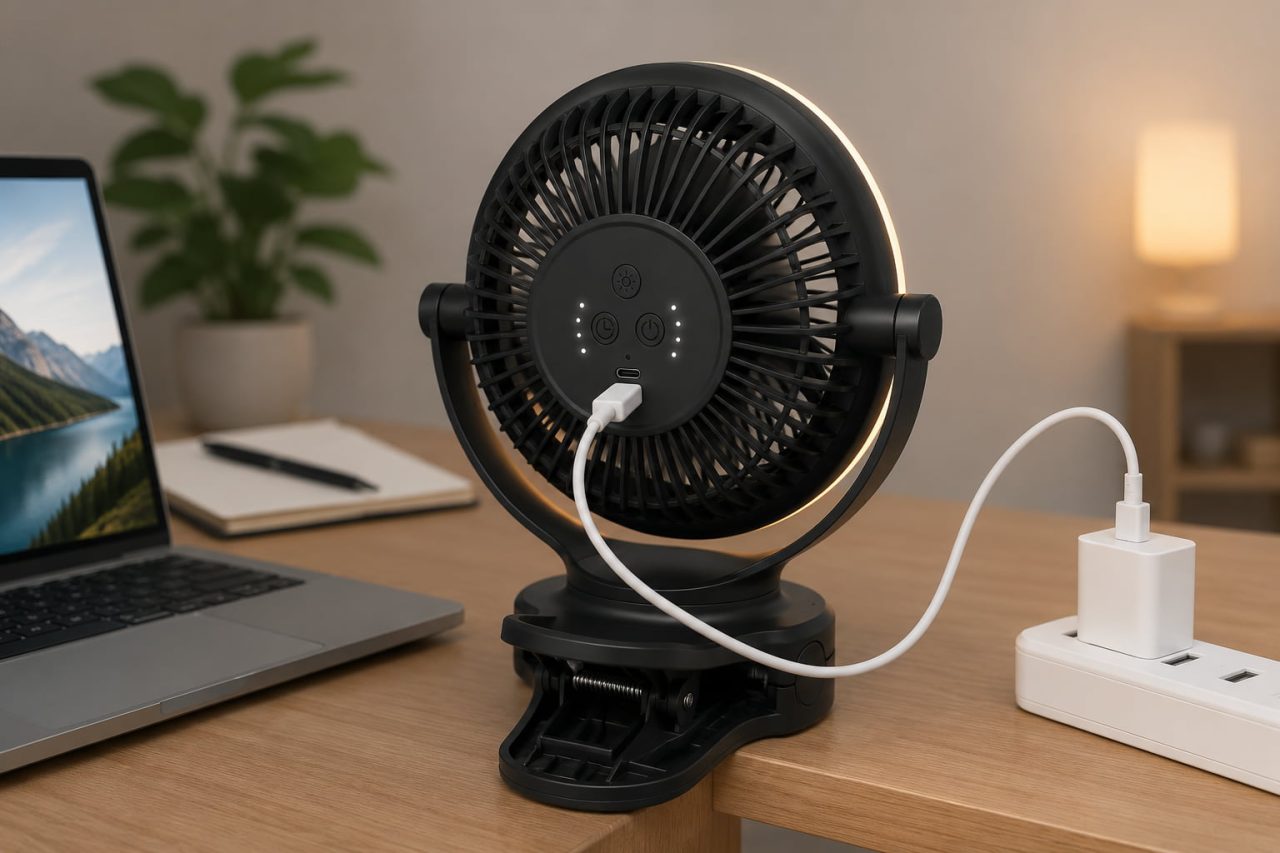
A USB Clip on Fan should connect easily to commonly available power sources. Compatible wall adapters, computers, and power banks make charging more convenient at home, at work, and during travel.
The H9 uses a DC 5V–2A charging input and can continue operating while connected to power. This supports regular desk or bedside use without relying on the battery for every session.
Cordless operation still allows the fan to move between rooms or work where an outlet is unavailable. Before outdoor use, charge the battery fully and test the selected speed so the expected runtime is clear.
Decide Whether the LED Night Light Adds Value
An integrated light can provide soft illumination in a bedroom, dorm room, or tent. It may help users find an item, move around after dark, or avoid carrying a separate bedside light.
The ring-shaped LED night light can operate independently from the fan. Users can run the fan, the light, or both features together. Running both at the same time will consume more power than fan-only operation.
The light should remain a secondary feature. Clamp stability, airflow control, charging convenience, and battery runtime have a greater effect on daily use.
The Right Clip-on Battery Fan Should Match the Way You Use It
A Clip-on Battery Fan should fit the intended surface, direct airflow accurately, and provide enough runtime for the planned setting. Desk and bedside users should focus on stable mounting, low-speed comfort, and adjustable airflow. Camping and travel users should pay more attention to cordless runtime, USB charging, and flexible placement.
A Portable Clip-on Fan with the right clamp range and placement options can work across several environments. Choosing based on real use conditions leads to a better result than comparing battery size or appearance alone.