
Watching a live sports game should be about the excitement on the field, the energy of the crowd, and the moments you cannot experience through a screen. However, when the game takes place on a hot summer afternoon, the heat can quickly become the main thing on your mind.
The discomfort often starts long before you reach your seat. You may need to walk from a distant parking area, wait in a security line, search for your section, and climb several flights of stairs. Once the game begins, you could remain in a crowded outdoor stand for hours with limited shade and little airflow.
A misting neck fan can make this experience more comfortable by giving you personal cooling without occupying your hands. Instead of constantly holding a fan or searching for a cooler place, you can keep watching, cheering, filming, and enjoying the game.
Why Does a Live Sports Game Feel Hotter Than Expected?
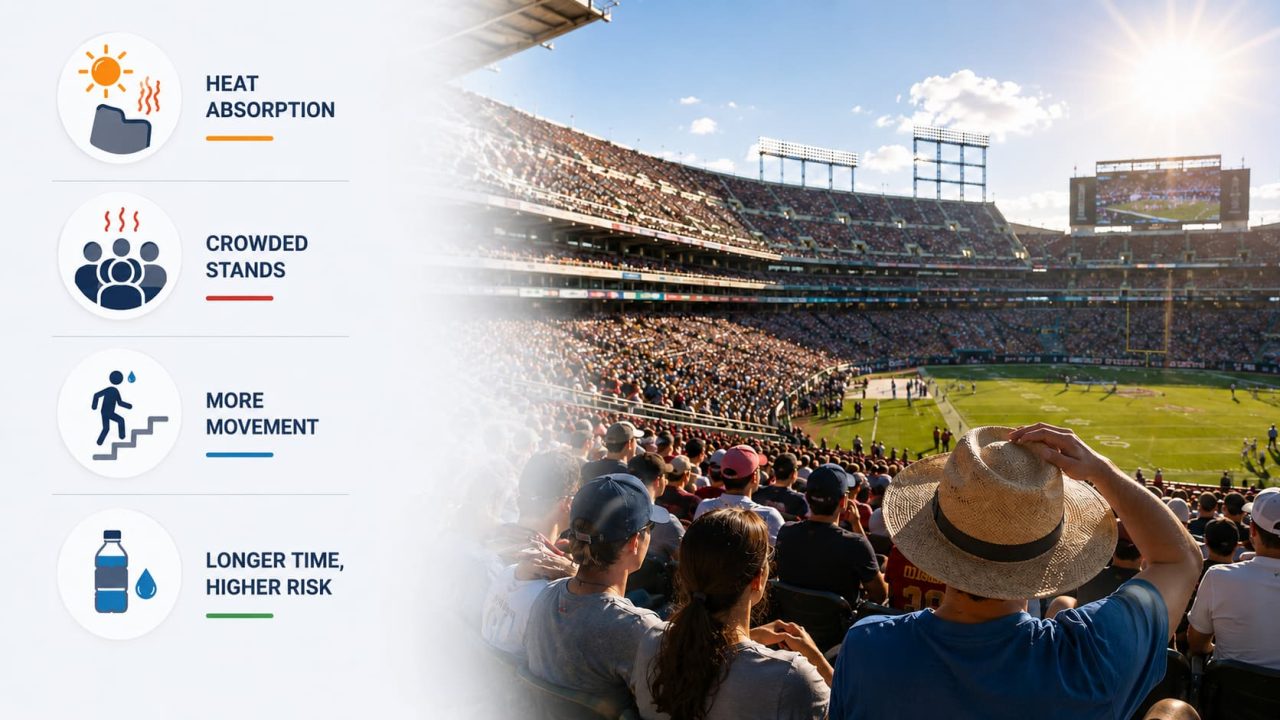
A stadium can feel much hotter than the temperature shown in a weather app. Seats, concrete walkways, railings, and surrounding structures may absorb heat for hours before the game begins.
Crowded stands can make the problem worse. Spectators sit close together, while walls, roofs, and nearby structures may reduce natural airflow.
Game day also involves more movement than many people expect. Walking from the parking lot, waiting at the entrance, climbing stairs, and standing to cheer can leave you feeling hot before the event is even halfway over.
Spending several hours outdoors can also increase the risk of heat-related illness, especially if you do not take breaks or drink enough fluids.
Why Is a Neck Fan with Mist Practical for Stadium Use?
The most useful cooling device for a live game should move with you without becoming another item you need to carry.
A handheld fan can provide airflow, but it occupies one hand. You may need to put it away whenever you show your ticket, open a drink, carry food, take a photo, or wave team gear.
A portable misting neck fan stays around your neck while you move through the venue. Both hands remain available for your phone, refreshments, belongings, and the moments when you want to clap or cheer.
This wearable design is also helpful for parents who already need to manage children, snacks, bags, and tickets. When the fan is not in use, the foldable structure makes it easier to store inside a game-day bag.
Because the airflow stays close to the face and neck, it also provides more direct personal cooling than a fan positioned farther down the body. The device moves with you, so there is no need to keep adjusting its position while walking or sitting.
How Can the WindBillion Portable Misting Fan Help on Game Day?
The heat does not feel the same throughout the entire event. The cooling you need while walking to the stadium may be different from what feels comfortable after sitting in direct sunlight.
The WindBillion FB23 combines fan airflow, fine mist, and a cooling plate in one wearable design. Instead of using every function continuously, you can choose the one that best matches each stage of the day.
Walking from the Parking Area
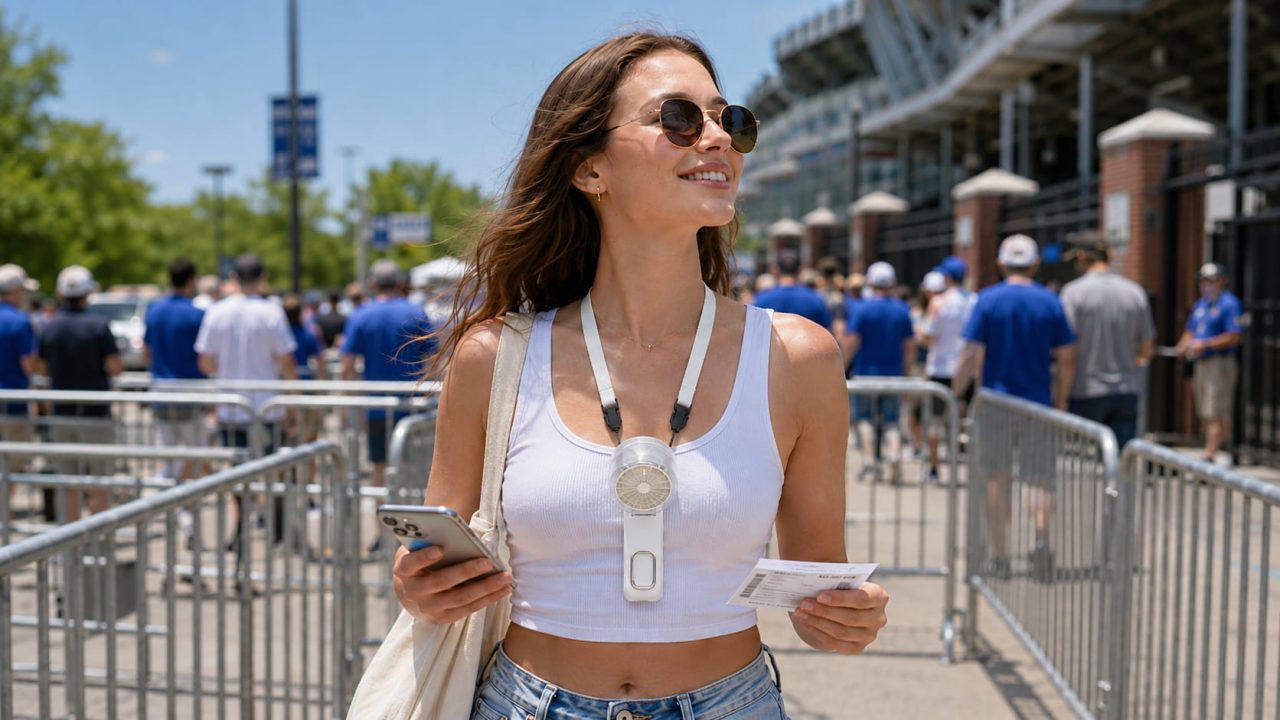
The walk from a parking lot, train station, or bus stop is often the first time the heat becomes noticeable.
Start with gentle or moderate airflow while you walk. The FB23 offers 1–100 levels of stepless speed control, so you can increase the airflow gradually rather than switching between only a few fixed settings.
This is useful when the route includes open sidewalks, stairs, or long distances between transportation and the stadium. You can adjust the fan without putting down your phone, ticket, or bag.
Waiting in the Entrance Line
Security lines can move slowly, especially before a popular event. Standing in one place under direct sunlight may feel even hotter than walking.
Increase the airflow when the line slows down, or the surrounding area feels still. Because the fan stays close to the face and neck, the cooling moves with you as the line advances.
The LED display also allows you to check the fan speed and remaining battery without guessing. This makes it easier to manage the settings when you still have several hours of game time ahead.
Sitting in the Stands
Once you reach your seat, you are moving less, but sunlight, warm seating, and limited circulation may make the heat feel more intense.
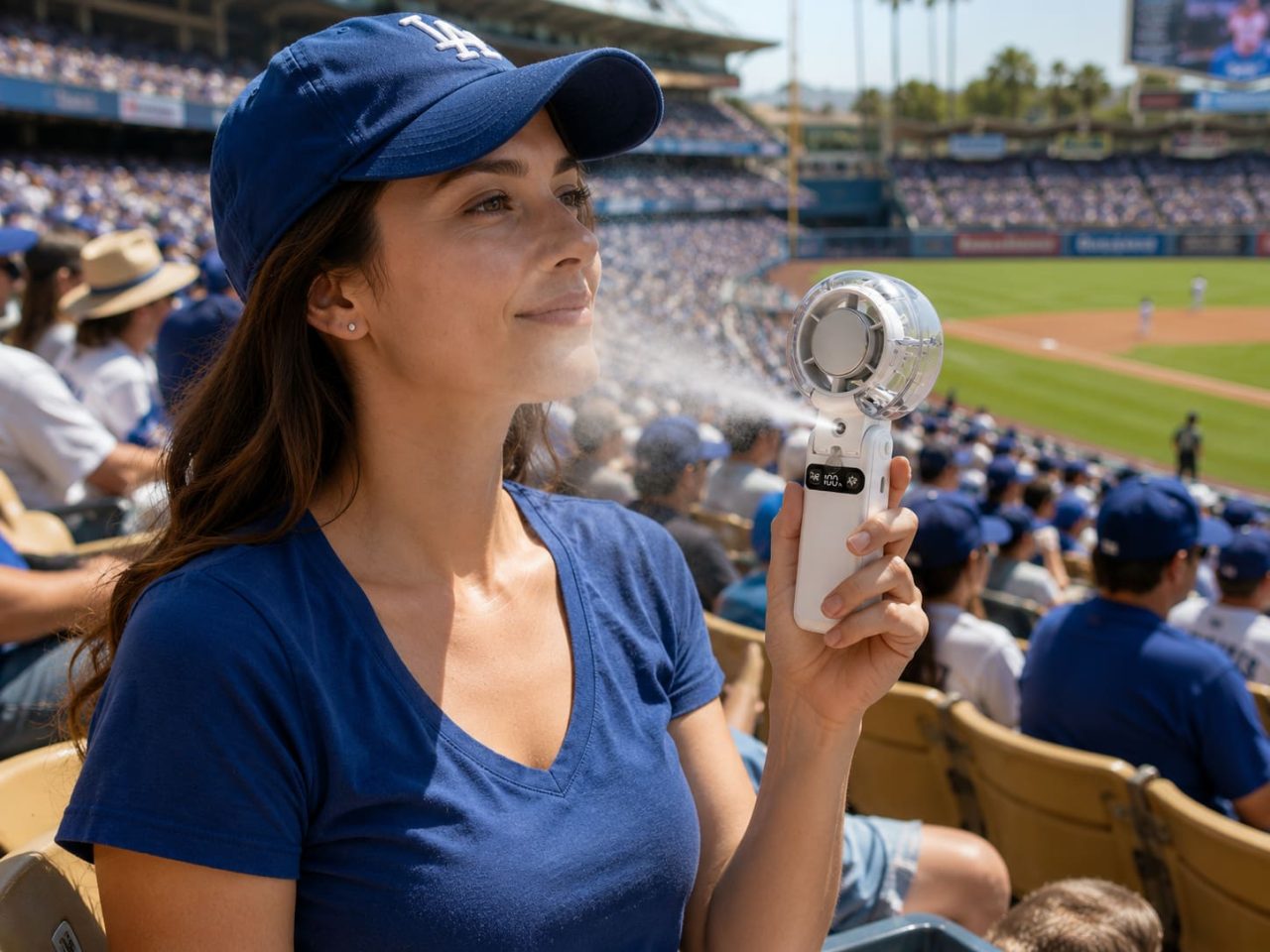
This is where a neck fan with mist offers an advantage over ordinary airflow. Fine mist moves with the air around your face, creating a more refreshing sensation when the surrounding air feels hot and dry.
Begin with a light mist and keep it directed toward your own face and neck. In a crowded row, this provides personal cooling without disturbing nearby spectators.
You can also lower the fan speed once you are seated. Stepless adjustment makes it easier to find a comfortable level that does not feel unnecessarily strong.
Cooling Down During Breaks
Halftime, timeouts, or breaks between innings are often when you notice how much heat has built up.
You may have been standing, cheering, climbing stairs, or walking to buy food. During these moments, the cooling plate can be placed against the skin to provide a more direct cooling sensation.
This gives you another option when airflow or mist alone does not feel sufficient. After the break, you can return to a lower fan setting while the game continues.
Leaving After the Final Whistle
The need for cooling does not end when the game finishes. Large crowds may move slowly through exits, walkways, parking areas, and transportation stations.
Switch back to fan mode while leaving the venue. The wearable structure keeps your hands free for checking directions, finding your car, carrying belongings, or staying close to the people in your group.
Using the functions selectively throughout the day can also help the device remain practical during unexpected delays, extra innings, or overtime.
What Should You Prepare Before Entering the Stadium?
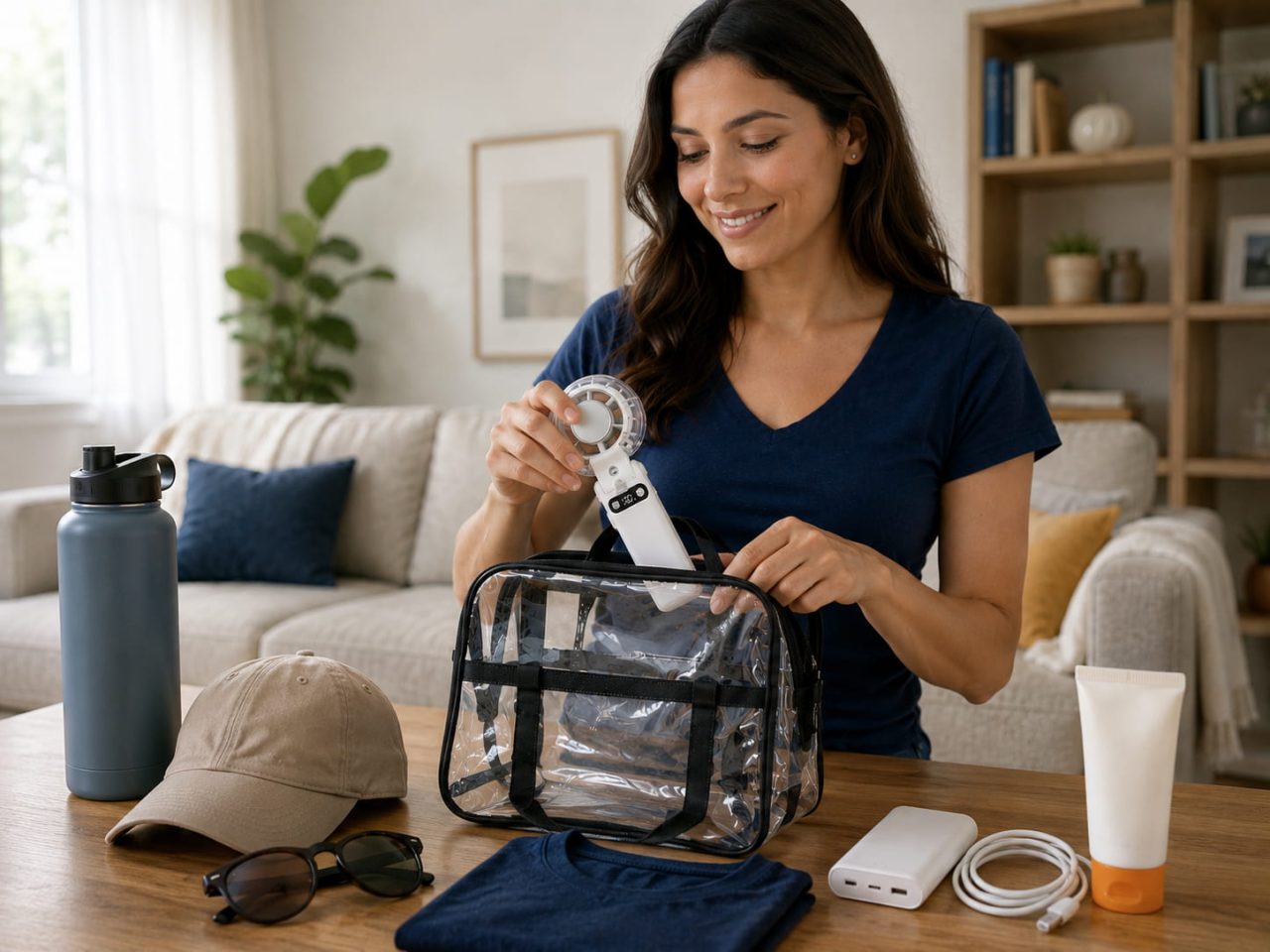
Check the stadium’s current entry policies before leaving home. Rules for electronic devices, liquids, water containers, and bag sizes can vary between venues.
Charge the fan fully before departure, especially when you plan to arrive early. The Type-C charging port makes it easier to use a common cable or compatible power bank if additional charging is needed.
It may be simpler to keep the water tank empty during security screening and fill it after entering, provided the stadium permits it. Use clean water, close the tank securely, and avoid overfilling it.
The LED display can help you monitor the battery, fan speed, mist status, and cooling mode during the event. Checking these settings occasionally can prevent you from using the strongest functions unnecessarily.
A personal fan should still be used as part of a wider hot-weather plan. Drink water regularly, apply sunscreen, wear breathable clothing, and use available shade. If you begin to feel dizzy, weak, or unwell, move to a cooler area and seek assistance.
A Misting Neck Fan Keeps the Focus on the Game
A live sports event includes much more than the time spent watching the field. The walk to the stadium, the entrance line, the crowded stands, and the journey home can all add to the discomfort.
A misting neck fan provides personal cooling that stays with you through each stage while keeping your hands available for the things that make game day enjoyable.
You cannot control the temperature, the size of the crowd, or whether the game goes into overtime. But with airflow, mist, and direct cooling close to your face and neck, it becomes easier to focus on the atmosphere, support your team, and enjoy the action you came to see.