
The WindBillion H6 collapsible fan works best when height, speed, and placement match the space. Desktop mode sits at 16 inches — right for a desk or nightstand. Floor mode extends to 35 inches — right for a living room or tent. The 2.4G remote adjusts everything from up to 25 meters away. Here is exactly how to set it up across five different situations.
Room size, ceiling height, whether you are sitting or lying down, and how much ambient heat is present all change which setting works best. The H6 gives you adjustable height from 16 to 35 inches, four speed settings, remote control, and oscillation — but using the wrong combination for the space means getting less cooling than the fan can deliver. The setups below match airflow to each environment specifically.
How to Set Up Your Collapsible Fan for the Bedroom?
A quiet collapsible fan for bedroom use has two priorities: airflow that reaches you without being too direct, and a noise level low enough not to disturb sleep. Getting both right at the same time requires a specific setup.
The Right Height for Overnight Cooling
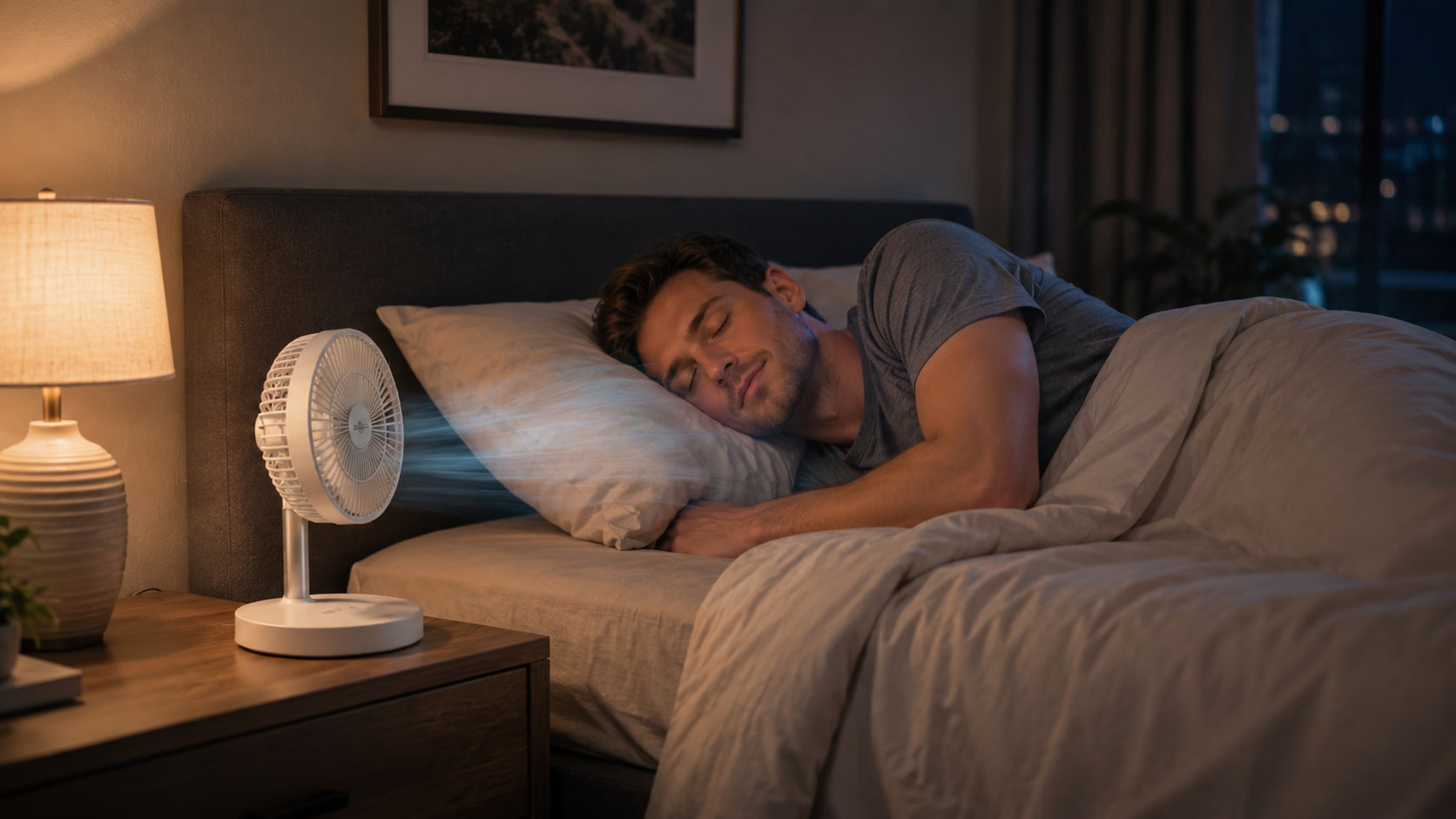
Use desktop mode at 16 inches on the nightstand. At that height, the fan sits at mattress level and directs airflow horizontally across the bed. Floor mode at 35 inches works if the fan is positioned at the foot of the bed — the airflow reaches up the length of the mattress rather than concentrating on one spot.
The Fix: If you wake up feeling too cold in the night, you are either too close to the fan or running it too high. Move it to the foot of the bed and drop to speed 1.
The Right Speed Setting for Sleep
Speed 1 runs at 1.2W output and produces gentle, consistent airflow. It is quiet enough that the motor noise drops below the threshold most people consciously register within a few minutes. Speed 2 is the ceiling for most sleeping environments — above that, the airflow becomes directional enough to dry out skin and eyes during long exposure.
The Fix: Use the remote to drop from speed 2 to speed 1 once you are settled. The 2.4G remote works from the bed — no getting up required.
How to Set Up Your Collapsible Fan in the Living Room?
Living rooms are larger and require the fan to cover more area. Desktop mode does not distribute air widely enough in an open space. Floor mode is the right starting point.
Floor Mode and Oscillation for Whole-Room Coverage
Extend the H6 to full floor mode at 35 inches. Position it in a corner angled toward the centre of the room, or beside the sofa, aimed at the seating area. Turn oscillation on using the remote — the fan sweeps left and right automatically, covering significantly more floor area than a fixed-direction unit.
The Fix: If the room still feels uneven, the fan is probably aimed too directly at one spot. Angle it slightly upward so the airflow reaches the centre of the room at head height rather than at floor level.
Speed Settings for Different Times of Day
Speed 3 handles the afternoon heat when the room has been warming up for hours. In the evening, once temperatures drop, speed 2 is usually enough. Use the built-in timer via the remote to set the fan to turn off after two or three hours,s so it is not running through the night at unnecessary power.
How to Set Up Your Collapsible Fan for Working from Home?
A rechargeable, lightweight, collapsible fan for a home office needs to stay out of the way and run quietly enough not to disrupt video calls or concentration.
Desktop Mode at the Corner of the Desk
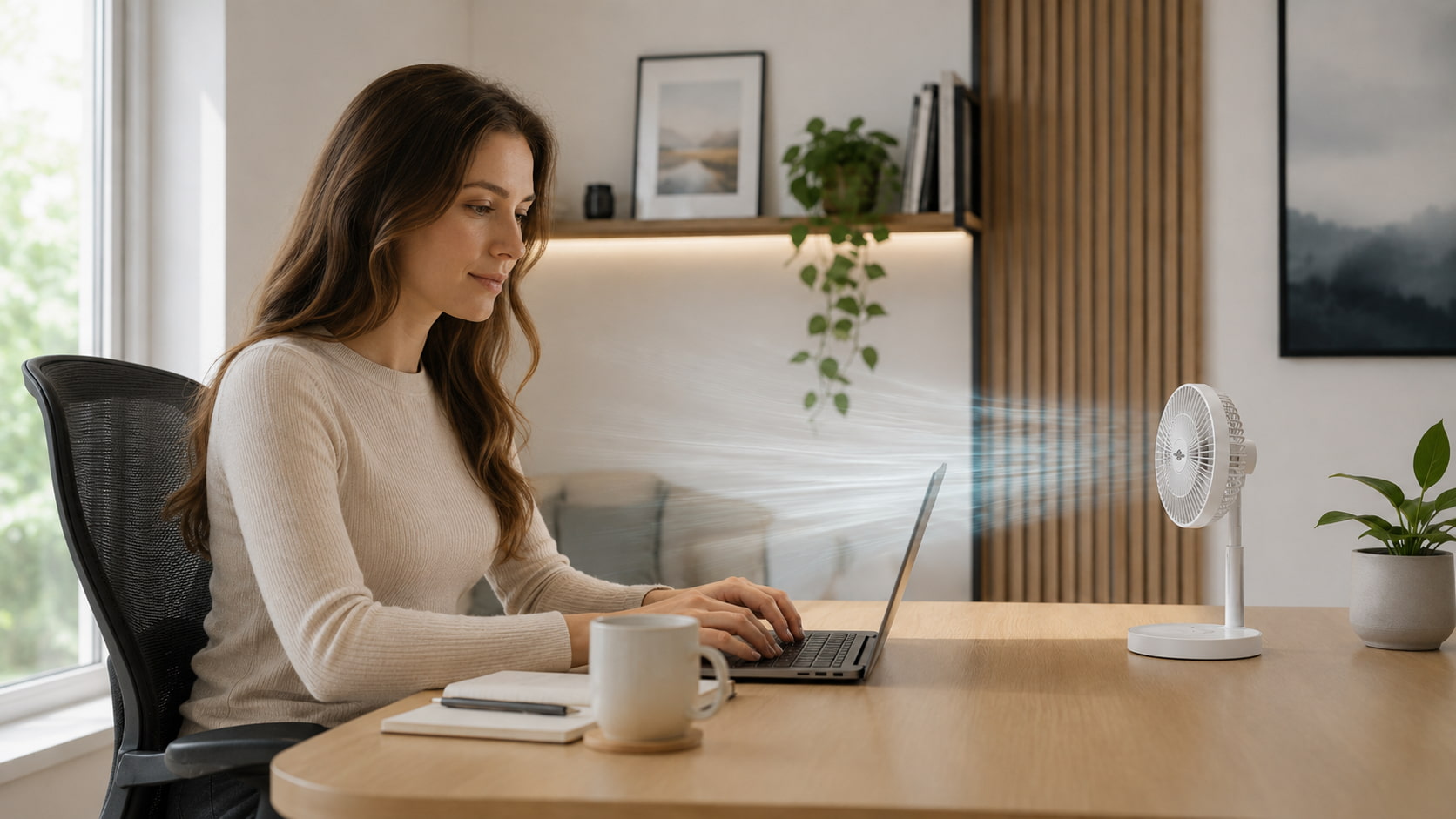
Place the H6 in desktop mode at the far corner of the desk. At 16 inches, it sits below monitor height and does not block the screen or camera. Angle it so the airflow crosses in front of you rather than blowing directly at the face — side airflow is more comfortable for long sessions and reduces the drying effect of sustained direct airflow.
The Fix: If the fan appears in your video call background, move it to the floor beside the desk and extend it to mid-height. The oscillation setting keeps air moving without fixing it in one spot.
Speed and Battery for Full Workdays
Speed 2 at roughly 2W output is the practical setting for office use — enough airflow to make a difference, quiet enough not to register on a call. At that draw rate, the 16000mAh battery runs for well over 20 hours. Charge it once at the start of the week, and it handles every workday without attention.
How to Set Up Your Collapsible Fan for Camping?
A collapsible fan for camping has different requirements than indoor use. No outlet, uneven surfaces, temperature swings from hot afternoon to cool night, and a tent that traps heat after sunset.
Tent Setup and Height
Inside a tent, floor mode at 35 inches circulates air through the full sleeping space. Desktop mode at 16 inches works if the tent is too low for full extension. Position the fan at the entrance of the tent rather than beside the sleeping bag — pulling in outside air rather than recirculating interior air is more effective.
The Fix: If the tent still feels warm at low fan speed, check whether the mesh vents are open. The fan works with ventilation, not instead of it.
Battery for Off-Grid Nights
Speed 1 at 1.2W output delivers 37 hours of runtime on a full charge. That covers four or five consecutive camping nights between charges. Recharge via Type-C from a power bank or solar panel during the day. The fan does not need a wall outlet at any point.
How to Set Up Your Collapsible Fan in Small Spaces and Studios?
A collapsible fan for small spaces needs to earn its place — not just cool the room but also store cleanly, stay out of walkways, and not compete with furniture for the limited floor area a studio already lacks.
Use Vertical Space Instead of Floor Area
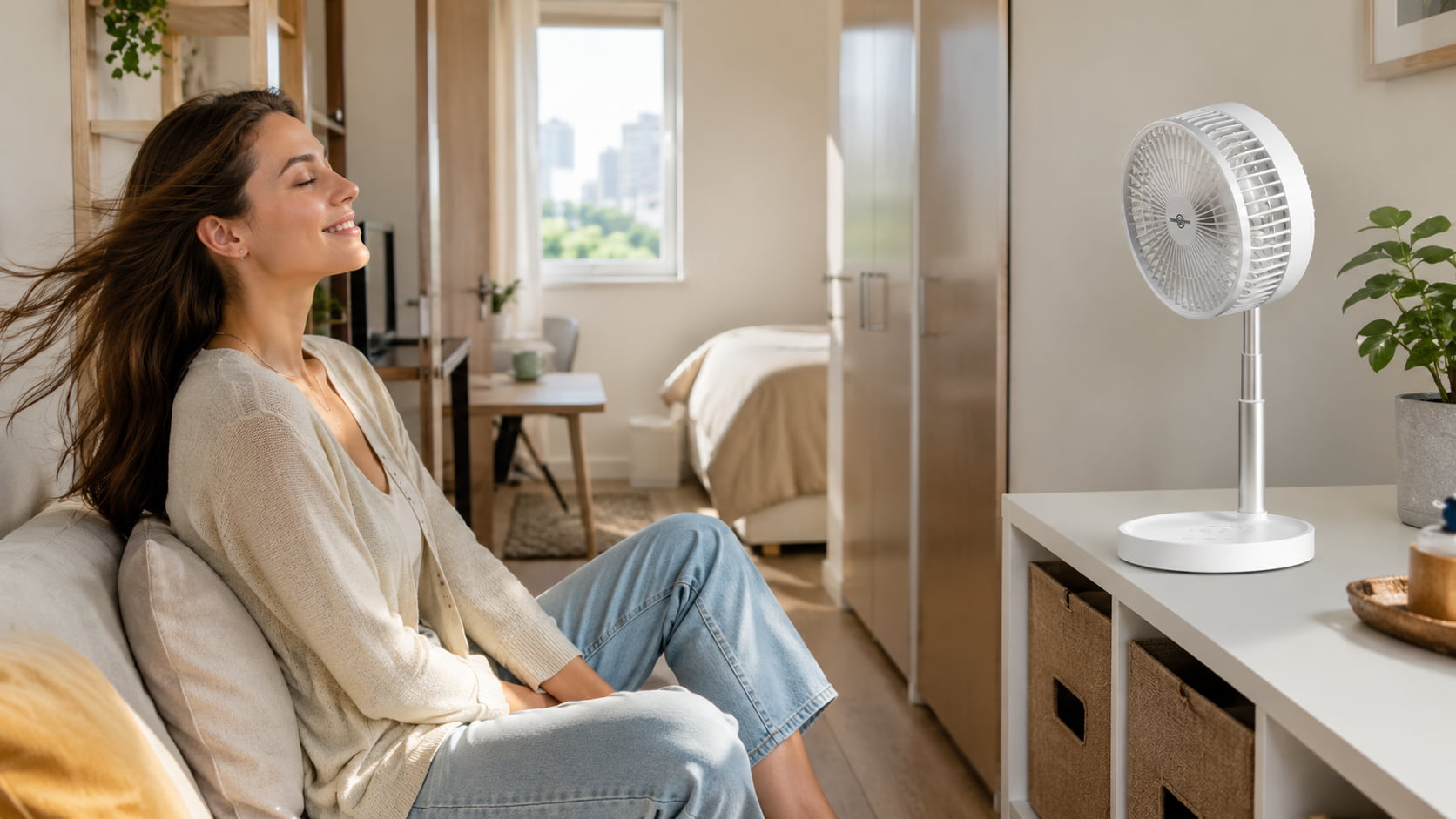
In a small room, a floor model at 35 inches takes up a footprint that may not be available. Instead, place the H6 in desktop mode on a raised surface — a shelf, a stool, or a windowsill — to get airflow at the same effective height without occupying floor space. A fan on a shelf at 30 inches does the same job as a floor fan without the tripping hazard in a narrow room.
The Fix: If desktop mode on a low surface feels too weak, add one speed level rather than switching to floor mode. More airflow at the same height is usually more effective than taller placement in a compact room.
Fold It Away Between Uses — and Actually Do It
The H6 folds to 11.8 × 10.2 × 3 × 4.6 inches. That is slim enough to slide vertically into a wardrobe gap, flat under a bed, or upright on a shelf beside books. In a small space, a fan that stores this way is not a seasonal item that gets dragged out in July and shoved in a corner until October. It comes out on warm evenings and disappears the next morning. That cycle only works if putting it away takes under ten seconds — and with the H6, it does.
Quick Setup Guide for Every Scenario
| Room | Mode | Height | Speed | Oscillation |
|---|---|---|---|---|
| Bedroom (sleep) | Desktop | 16 inches (nightstand) | 1–2 | Off |
| Living room | Floor | 35 inches | 2–3 | On |
| Home office | Desktop | 16 inches (desk corner) | 2 | Off |
| Camping tent | Floor | 35 inches (tent entrance) | 1–2 | On |
| Studio / small space | Desktop → Floor | 16–35 inches | 1–2 | Off |
The Collapsible Fan That Adapts to Every Situation You’re In
Most fans are fixed — fixed height, fixed direction, fixed placement. The H6 is not. Desktop to floor, speed 1 to speed 4, oscillation on or off, remote from across the room — every variable adjusts to the space rather than the other way around.
The setups above are starting points. Once you have the H6 running in a space for a day, you will know whether to raise it, angle it differently, or drop the speed by one. The 16000mAh battery means you have enough runtime to experiment without worrying about charging. A foldable fan this adaptable earns its place in every room it moves through — and moves out of — all summer.